
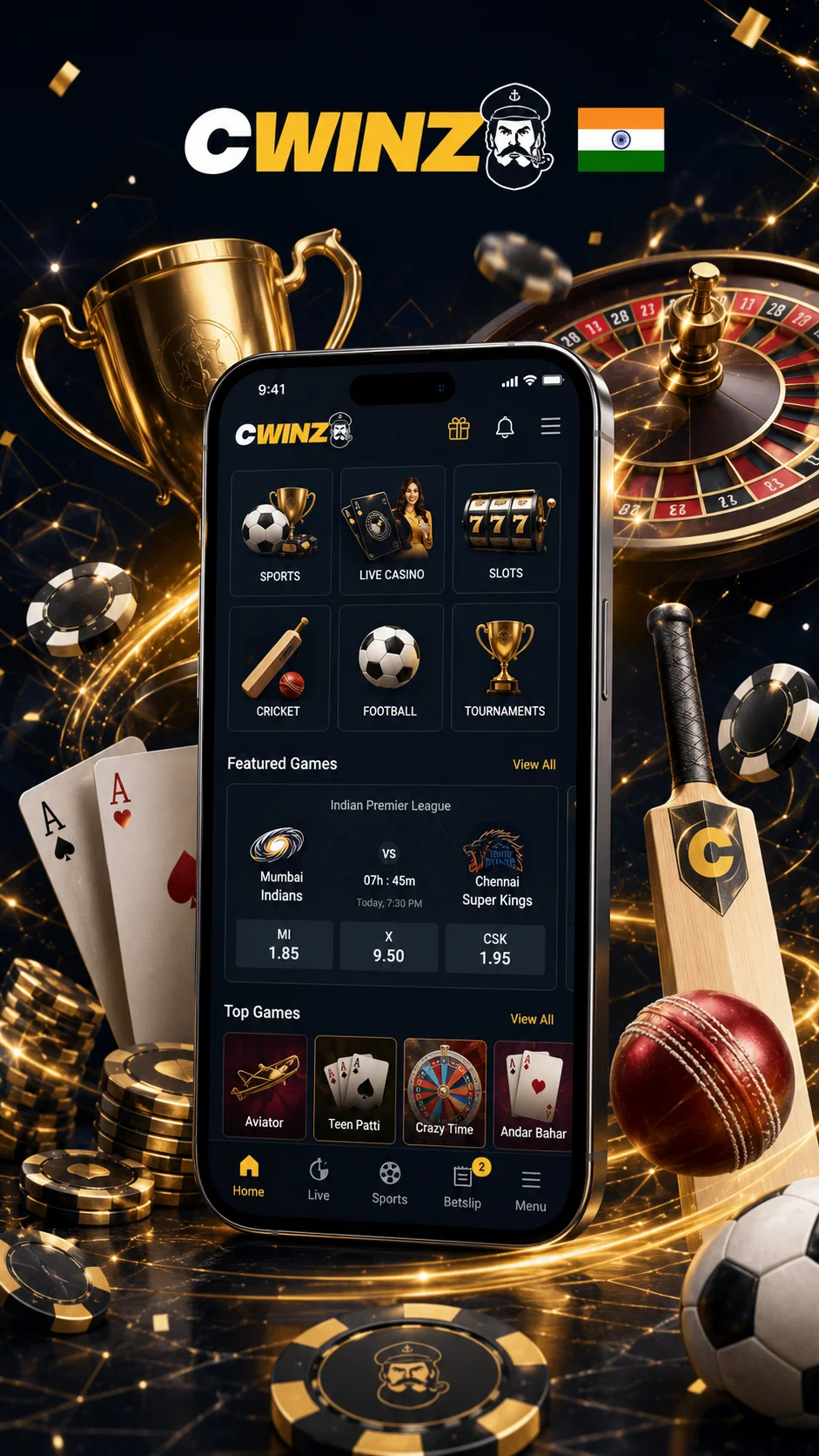
01Two Ways to Reach Cwinz from Your Phone
Cwinz Casino App can be installed on Android, while the browser works on both Android and iOS. The installed option opens from the home screen. The browser route needs no local package and runs on the official mobile page.
Both methods connect to the same profile, balance, promotions and banking area. Switching between phone and desktop does not create another account. Activity remains tied to the credentials used during registration.
- Android APK - dedicated package installed directly from the official Cwinz site;
- iOS browser - full platform via Safari or Chrome, no App Store required;
- same profile, balance and history across all devices and routes;
- full game library of 3,000+ titles and sportsbook available on both routes.
02Cwinz APK Download: Getting the Android Package from the Official Site
The Cwinz Android app is not distributed through Google Play. The APK is available directly from the official website. Cwinz describes the official package as encrypted, virus-scanned and unable to access personal files on the device. Downloading from the official site ensures you get the current version published by Cwinz.
- open the official application page in a mobile browser;
- tap the download button and save the APK file to the device;
- if Android blocks installation, allow apps from this source in device security settings;
- open the saved file and confirm installation when prompted.
Important: Do not install renamed packages, files shared in private messages or copies published on unofficial websites. Only download the APK from the official Cwinz site.
From Download to First Launch: Android Installation Steps
The installation process takes under two minutes on most devices. If Android blocks the install at any stage, the required permission is usually linked to the browser or file manager opening the APK. The APK can be deleted after installation; account data stays connected to the service rather than the local file.
After launch, remove the temporary permission when that control is available. Account data stays linked to the server profile, so deleting the APK after installation is safe.
03No App Store Listing: How iPhone Owners in India Connect Instead
Cwinz App has no separate iOS package in the App Store at present. The official help page notes that an iPhone version is still being developed, so browser use remains the available route for Indian players on iOS. Users in India can connect through Safari or Chrome without a store application.
The responsive interface adjusts menus, cashier controls and game windows to the screen. It carries the same library, promotions and banking options available on desktop. A home-screen shortcut can speed up later visits.
- open Safari or Chrome and navigate to the official Cwinz website;
- the interface adjusts automatically to iPhone and iPad screen sizes;
- full game library, cashier and support - same as desktop;
- add a home-screen shortcut via Share → Add to Home Screen for quick access.
Access Cwinz via Safari or Chrome
Full game library, live betting and cashier available - no installation required.
04First Launch: Creating or Linking Your Profile
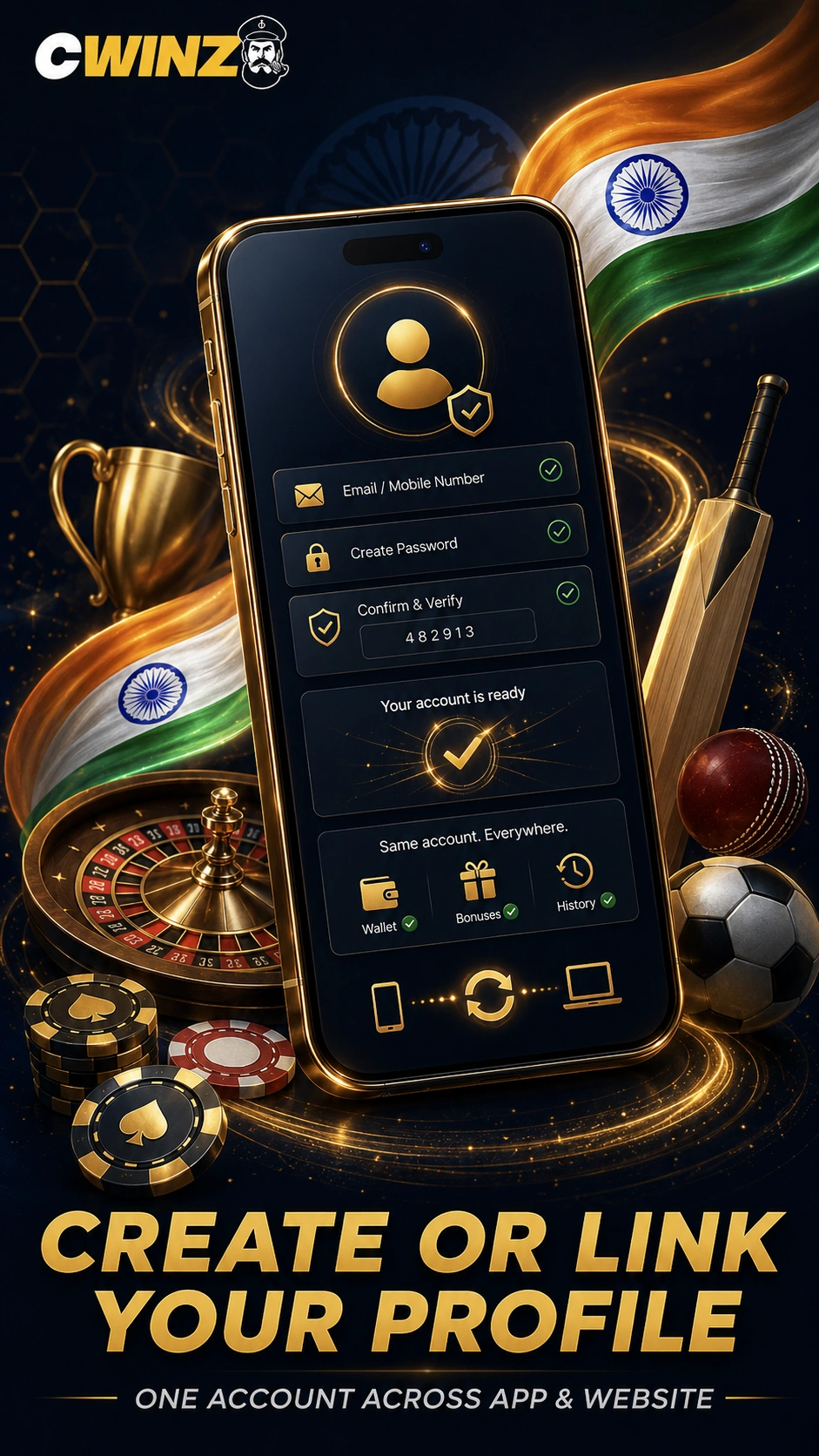
The first screen on launch lets a new visitor register or an existing player connect a profile used on the website. Registration requires an email address or mobile number plus the displayed confirmation step. Existing users should not create another profile after changing devices.
- new users: email address or mobile number plus a confirmation step;
- existing accounts: sign in with the same credentials used on the website;
- reinstalling the package does not create a blank wallet when the same credentials are entered;
- before adding funds, confirm the displayed account belongs to you.
The profile keeps settings, account history and cashier activity apart from the phone installation. Balance, bet history, active bonuses and promotions are all preserved when moving between devices or reinstalling the app.
Signing In After Installation
The Cwinz App uses the same sign-in system as the mobile website. Open the installed package, select login and enter the email address or mobile number linked to the profile along with the password. Use account recovery rather than repeated guessing when a password is rejected.
A stable connection helps codes and account pages load correctly. Log out when the handset is shared with others.
05Slots, Live Tables and Crash Games on the Go
The mobile lobby separates slots, live dealer tables and crash titles by category. All games open inside the service without separate title downloads - no extra storage is required beyond the initial app package.
- Slots - releases from many providers with filters by category and popularity; demo mode available on most titles;
- Live Casino - streaming tables for Roulette, Blackjack, Baccarat, Teen Patti and Andar Bahar;
- Crash Games - Aviator and other titles using a rising multiplier with manual cash-out;
- Table Games - RNG versions of Blackjack, Roulette, Baccarat and Poker.
Portrait and landscape controls vary, so rotating the handset may improve the layout for certain game formats. Check game rules and betting limits before staking funds.
06Placing Sports Bets Straight from the App
The sportsbook covers pre-match markets and live events. Indian users can browse cricket, football, tennis, basketball and esports when fixtures are available. Market pages show selections and current odds for each event.
Casino play and sports betting use one wallet without moving funds between sections. Live prices can change before confirmation - the bet slip shows the final quote before you confirm. Open wagers remain visible in account history.
- cricket - IPL, international Test, ODI and T20 markets with in-play betting;
- football - Premier League, Champions League and domestic tournaments;
- tennis, basketball, esports and other disciplines available when fixtures are scheduled.
07Topping Up Your Balance: Local Payment Options for India
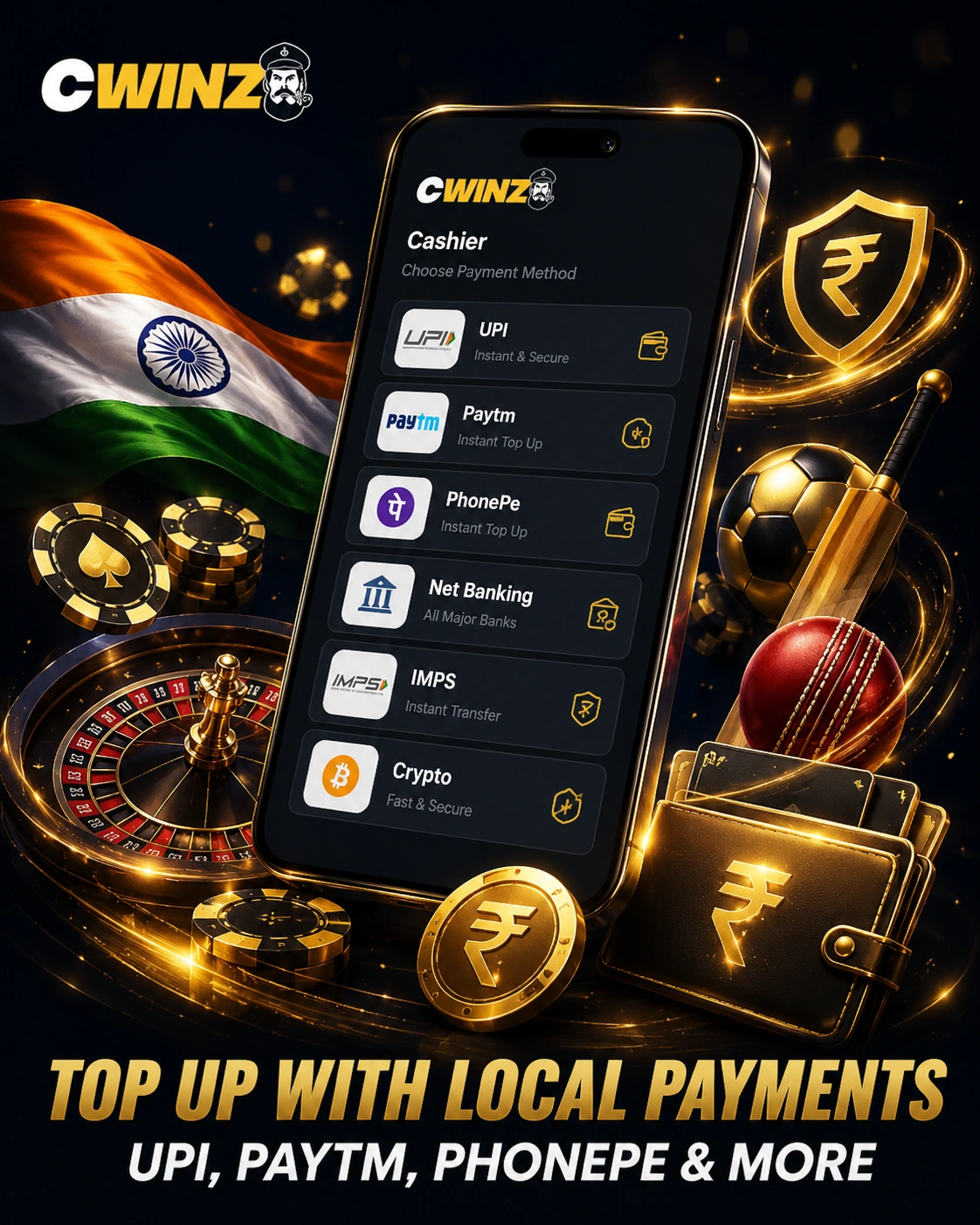
The Cwinz App supports the payment choices shown to Indian users in the cashier. Local routes may include UPI, IMPS, Paytm and PhonePe, while Visa, Mastercard, Bitcoin, Tether, Ethereum and other currencies may also appear. Availability can differ by state, bank, wallet or account status.
Deposits through the installed package follow the same route as website deposits. Most methods are described as immediate, though provider checks or bank restrictions can delay them. Use only a payment account in your name and review any fee or limit before confirming.
08Push Alerts for Cwinz Bonuses and Live Odds
The app sends push notifications about bonus status updates, changes in live betting odds and other important account or sportsbook events. These alerts keep users informed when an offer becomes available, bonus conditions change or live odds move during an event.
Push notifications make it easier to notice relevant updates without repeatedly opening the account. Users can follow time-sensitive offers and live betting changes directly from their phone, then open Cwinz to review the current details before taking any action.
09Keeping the App Current: Version Checks and Fixes
The Cwinz download page always offers the latest package available. Updates may include interface improvements, compatibility fixes and bug corrections. The official instructions recommend enabling automatic updates when available. Close active game rounds before updating to avoid interruptions.
A manual update starts by downloading the current APK from the official page. Open the file and approve installation over the installed version. Android may again request permission for the browser or file manager.
How Updates Are Installed
Credentials and wallet data stay linked to the server profile. If the update fails, delete the incomplete file and download it again from the official page. Contact support when the current package still conflicts with the handset.
10FAQ
Download the Cwinz App and Start Playing Today
3,000+ games, UPI deposits, cricket betting and a mobile welcome bonus with your first deposit.
Download Cwinz App Now